USB vs XLR Microphones: Which One to Choose?
Whether you’re starting a podcast, recording vocals, streaming on Twitch, or producing your first voice‑over, one of the first big decisions you’ll face is choosing between a USB microphone and an XLR microphone. Both have passionate fans, but the right choice depends entirely on your goals, budget, and how far you want to take your audio quality. In this guide, we’ll break down everything you need to know to make an informed decision—no technical jargon overload, just clear, practical advice.
Quick Summary: USB vs XLR at a Glance
🎙️ USB Microphones: Plug‑and‑play simplicity. Ideal for solo podcasters, streamers, and beginners who want great sound without extra gear.
🎛️ XLR Microphones: Professional‑grade audio with total control. Perfect for multi‑mic setups, serious musicians, and anyone who plans to expand their studio later.
What’s the Difference Between USB and XLR Microphones?
At a glance, a USB mic looks like a standard microphone with a USB cable attached (or a USB port). It contains a built‑in analog‑to‑digital converter and a small preamp, so you can plug it directly into your computer and start recording. An XLR mic, on the other hand, uses a three‑pin XLR connector and requires an external audio interface or mixer to convert the analog signal to digital. This extra hardware opens up a world of flexibility, but it also adds complexity and cost.
The choice often comes down to a trade‑off between convenience and control. USB mics are all‑in‑one solutions, while XLR mics are modular building blocks of a professional recording chain.
USB Microphones: Pros and Cons
XLR Microphones: Pros and Cons
Key Factors to Consider When Choosing
1. Your Use Case
If you’re a solo podcaster, streamer, or YouTuber starting out, a USB mic is often the smartest choice. It eliminates the guesswork and delivers excellent sound with minimal setup. For musicians recording multiple instruments, a band, or anyone planning to record with more than one microphone simultaneously, XLR is the clear winner because you can connect multiple mics to a single interface.
2. Budget
A good USB microphone can be found for $50–$150, and that’s your total cost. An XLR setup requires the mic ($50–$300+), an audio interface ($100–$300), and cables. The entry price is higher, but you gain flexibility and upgrade paths.
3. Audio Quality & Flexibility
Modern USB mics (like the Blue Yeti or RØDE NT‑USB) sound fantastic and are more than enough for most content creators. However, XLR setups allow you to use external processors like compressors, EQs, and high‑end preamps to shape your sound in ways that USB mics can’t match. If you’re an audiophile or a professional voice actor, XLR is the way to go.
4. Portability & Space
USB mics are compact and travel well. XLR setups involve an interface, cables, and often a mic stand—better suited for a dedicated studio space.
✨ Pro Tip: Hybrid Solutions Exist
Some microphones, like the Shure MV7, offer both USB and XLR outputs. You can use them as USB now and upgrade to XLR later without buying a new microphone. It’s a great “future‑proof” option.
Top Recommended Microphones (With Amazon Links)
To help you get started, we’ve picked three excellent options for different needs. Each has an Amazon link for easy purchase.
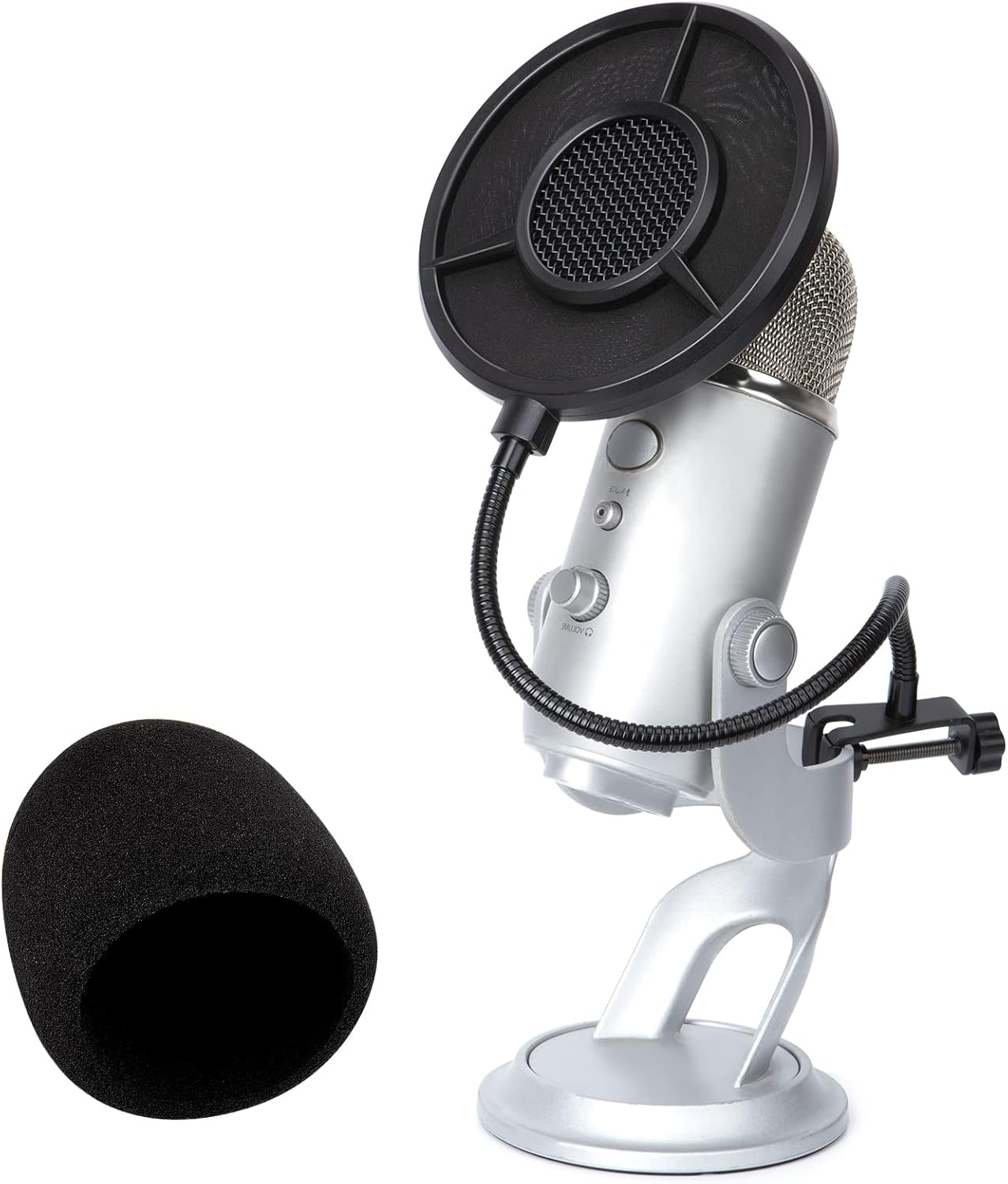
1. Best USB Microphone for Beginners: Blue Yeti
The Blue Yeti is arguably the most famous USB microphone. It features multiple polar patterns (cardioid, bidirectional, omnidirectional, stereo), making it versatile for solo podcasts, interviews, and even music. Its built‑in gain control and mute button give you hands‑on control without software.
2. Best XLR Microphone for Professional Sound: Shure SM7B
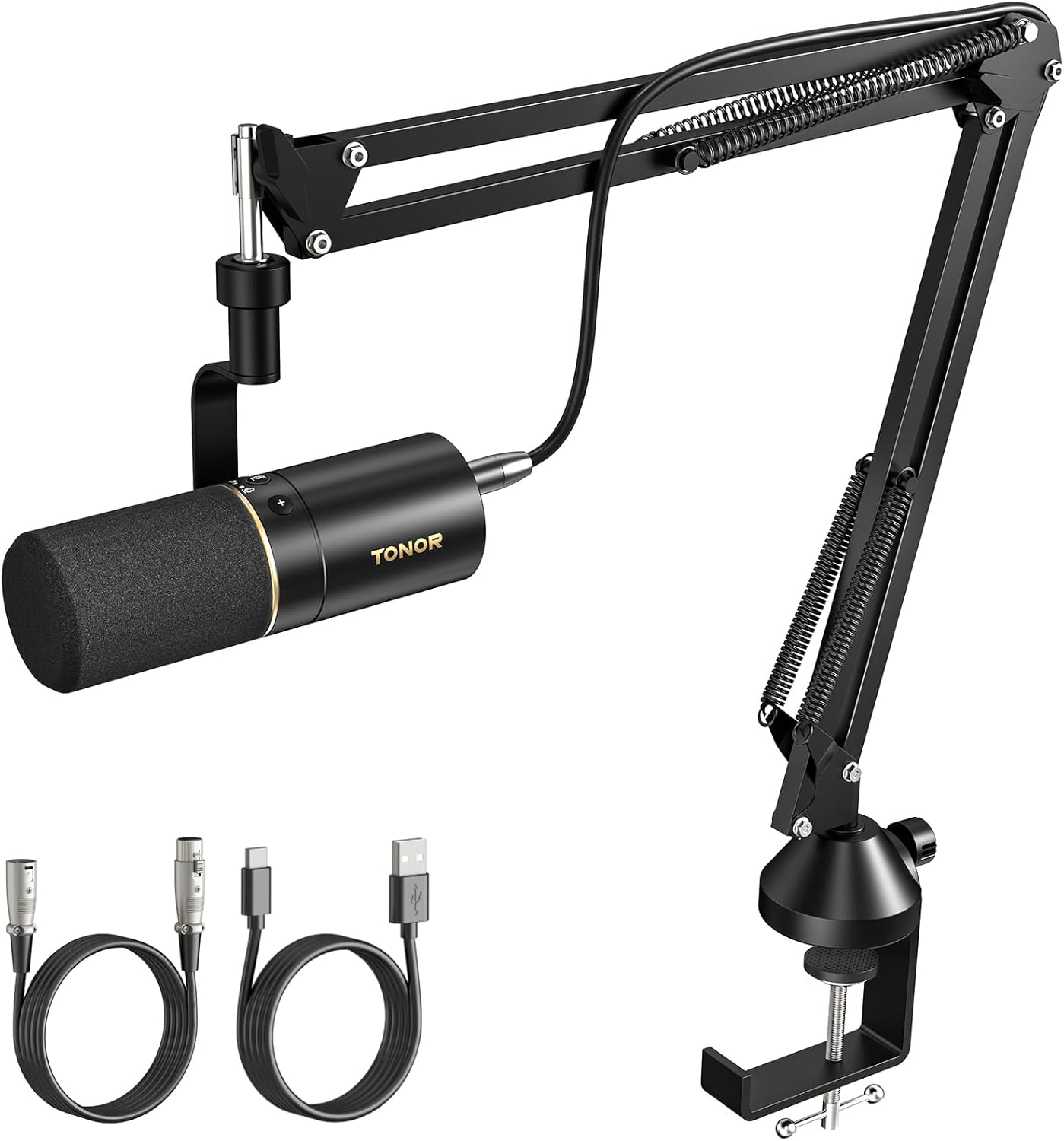
The Shure SM7B is an industry standard for broadcast, podcasting, and vocals. Its dynamic capsule rejects background noise beautifully, and its flat, wide‑range frequency response captures voices with stunning clarity. It requires a good audio interface with enough gain (or a Cloudlifter).
3. Best Hybrid USB/XLR: Shure MV7
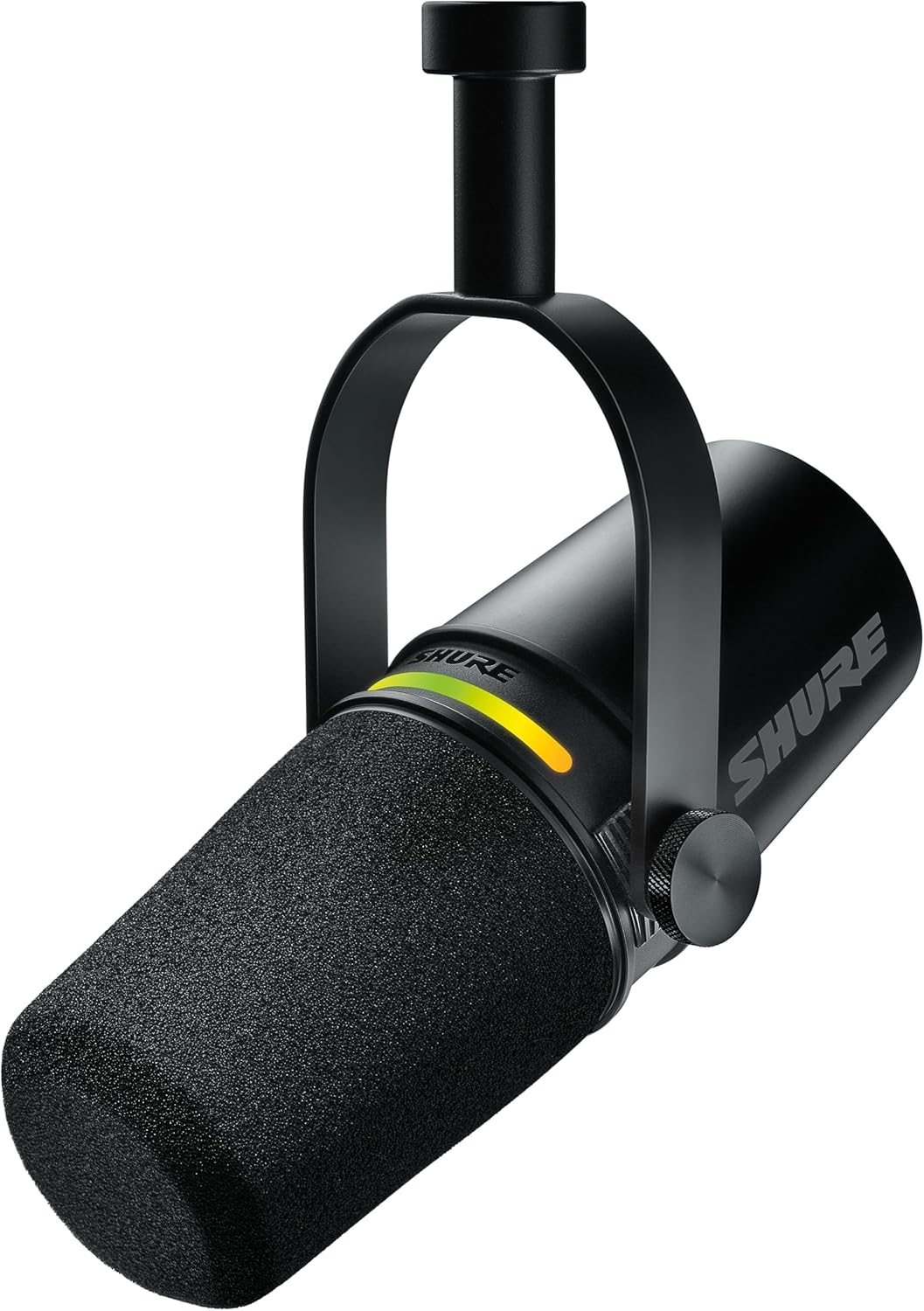
The Shure MV7 is designed as a modern alternative to the SM7B. It offers both USB and XLR outputs, so you can start with USB simplicity and later add an audio interface to unlock XLR flexibility. Its built‑in touch panel and auto‑level mode make it incredibly user‑friendly.
Comparison Table: USB vs XLR Microphones
| Feature | USB Microphone | XLR Microphone |
|---|---|---|
| Ease of Use | Plug‑and‑play | Requires interface & setup |
| Sound Quality | Excellent for most creators | Professional grade, highly customizable |
| Multi‑Mic Recording | Difficult (virtual cables) | Easy with multi‑input interface |
| Upgradability | Limited to the microphone itself | Modular – upgrade preamps, add effects |
| Portability | High | Low (needs interface, cables) |
| Price Range | $50 – $300 (all‑in) | $80 – $1000+ (mic + interface) |
Which One Should You Choose? (Decision Scenarios)
Still unsure? Let’s match your situation to the right choice.
- Solo podcaster or streamer starting out: USB microphone – simplicity lets you focus on content, not gear.
- Musician recording vocals and instruments at home: XLR microphone – you’ll want the flexibility to record multiple sources and apply processing.
- You plan to co‑host with others in the same room: XLR setup with an audio interface – you can connect multiple mics without driver conflicts.
- You travel and record on the go: USB microphone – less gear to pack, instant connection to laptop.
- You want to build a professional studio over time: Start with a hybrid mic like the Shure MV7, then add an interface and high‑end XLR mics later.
⚠️ Warning: Beware of Cheap XLR Interfaces
If you go the XLR route, don’t pair a high‑quality microphone with a $40 interface. The preamps and converters in ultra‑budget interfaces can introduce noise and ruin the sound. Aim for trusted brands like Focusrite, Universal Audio, or Audient.
Frequently Asked Questions (FAQs)
Can I use a USB microphone for professional voice‑over work?
Absolutely. Many professional voice actors use high‑end USB mics like the RØDE NT‑USB or the Shure MV7 in USB mode. The key is having a quiet recording environment and good technique.
Is XLR sound quality always better than USB?
Not inherently. A $100 USB mic can sound better than a $100 XLR mic paired with a poor interface. The advantage of XLR lies in the ability to use better preamps and processing, not just the microphone itself.
Can I connect an XLR microphone to my computer without an interface?
No, you need an audio interface (or a mixer with USB) to convert the analog XLR signal to digital. There are also XLR‑to‑USB cables, but they essentially turn the XLR mic into a USB mic and often compromise quality.
Do I need a pop filter for either type?
Yes, a pop filter is highly recommended for both USB and XLR mics to reduce plosive sounds (like “p” and “b”). It’s a cheap upgrade that instantly improves vocal recordings.
Which is better for live streaming?
For most streamers, a USB mic is sufficient and easier to set up. If you plan to use advanced audio processing like compressors, EQs, or multiple inputs (game sound, chat, mic), an XLR setup with a digital mixer can give you more control.
Final Verdict: USB vs XLR – Make Your Choice
There’s no universally “right” answer—it all depends on your goals. If you value simplicity, portability, and immediate great sound, a USB microphone is the perfect starting point. If you’re serious about audio quality, plan to expand your studio, or need to record multiple people, an XLR setup is a worthwhile investment.
Whichever path you choose, remember that the microphone is only part of the equation. Good recording technique, a treated room (or at least a quiet space), and proper gain staging matter just as much. Now go create something amazing!
Related Posts You Might Like
- Best Audio Interfaces for Podcasting in 2025
- How to Treat Your Room for Better Recordings
- Dynamic vs Condenser Microphones: What’s the Difference?
- Top 5 Microphone Accessories You Actually Need
Frequently Asked Questions (FAQs)
Can I use a USB microphone for professional voice‑over work?
Absolutely. Many professional voice actors use high‑end USB mics like the RØDE NT‑USB or the Shure MV7 in USB mode. The key is having a quiet recording environment and good technique.
Is XLR sound quality always better than USB?
Not inherently. A $100 USB mic can sound better than a $100 XLR mic paired with a poor interface. The advantage of XLR lies in the ability to use better preamps and processing, not just the microphone itself.
Can I connect an XLR microphone to my computer without an interface?
No, you need an audio interface (or a mixer with USB) to convert the analog XLR signal to digital. There are also XLR‑to‑USB cables, but they essentially turn the XLR mic into a USB mic and often compromise quality.
Do I need a pop filter for either type?
Yes, a pop filter is highly recommended for both USB and XLR mics to reduce plosive sounds (like “p” and “b”). It’s a cheap upgrade that instantly improves vocal recordings.
Which is better for live streaming?
For most streamers, a USB mic is sufficient and easier to set up. If you plan to use advanced audio processing like compressors, EQs, or multiple inputs (game sound, chat, mic), an XLR setup with a digital mixer can give you more control.